
Getting Started with Loon
Last updated:
Use Loon on iPhone or iPad to route traffic with a configuration and a proxy policy. Start by working out whether your provider gave you a complete configuration or a list of proxy nodes.
Contents
What is Loon?
Loon is a network toolbox for iOS and tvOS. Its configuration can route traffic using criteria such as domain, IP address or network, and policy groups let you choose which proxy handles the traffic that matches a rule.
How to Download and Install?
Install the full Loon app from the App Store on your supported device. This walkthrough uses the iPhone and iPad flow. Have the provider’s configuration or node subscription ready for the next section.
Interface Overview
The configuration holds your proxies, policies and routing rules. A remote configuration can populate those settings as a whole. A node subscription populates proxy entries, which can then be referenced by a policy in your active configuration. The main screen lets you start or stop routing.
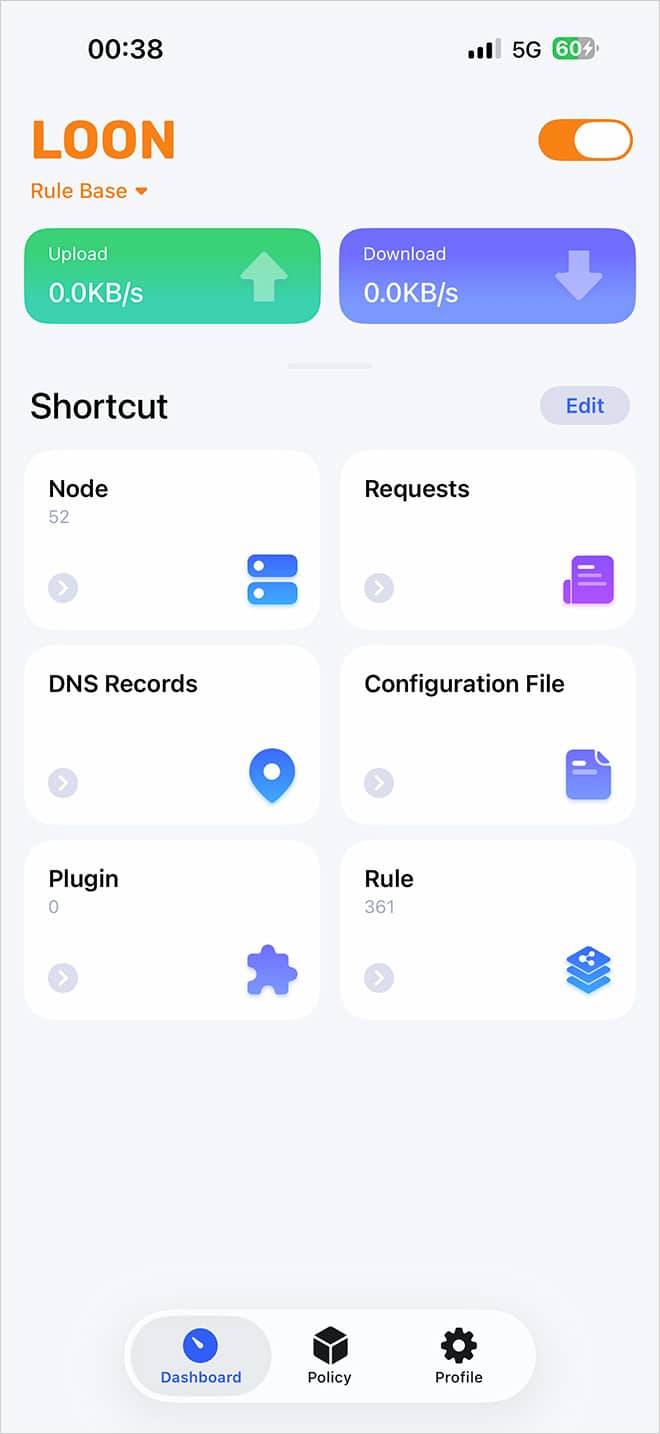
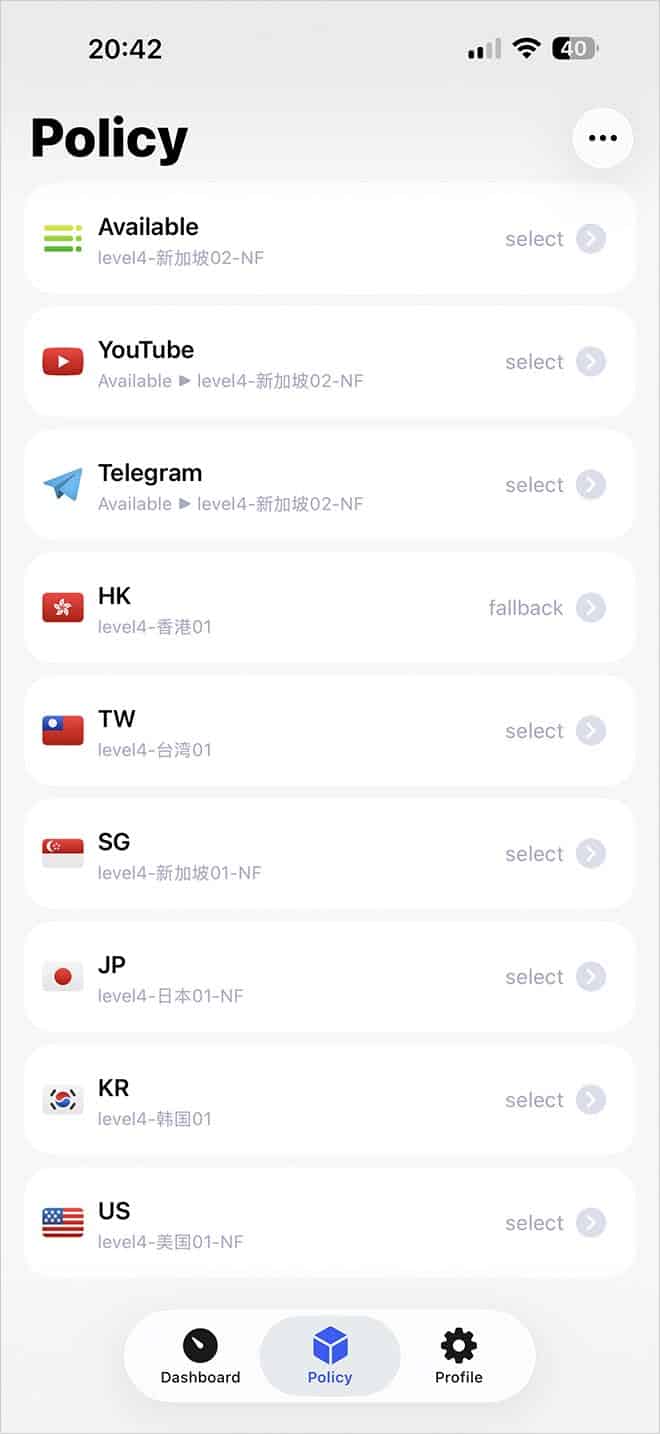
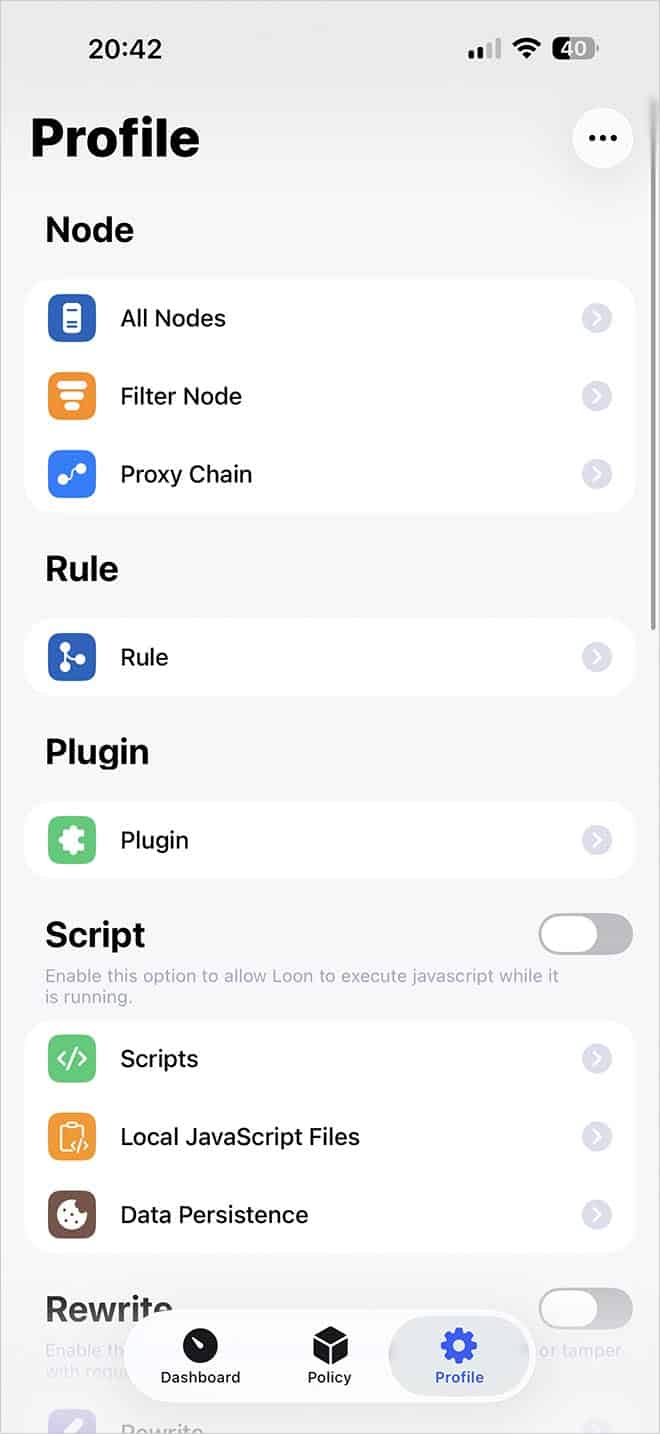
Servers
Check whether your provider offers a Loon-specific configuration or a supported node subscription URL. Loon documents node subscriptions separately from remote configurations, so the link type determines where it belongs.
See Loon server and subscription options
Quick Configuration
Add a configuration and connect
- Copy the link from your provider. If it supplies a full Loon configuration, use Loon’s remote configuration import and make that configuration active.
- If you received a node subscription, add it as a node subscription in your active configuration. Confirm the nodes appear in the policy group you intend to use.
- Select a usable policy option and start the connection. Approve the iOS VPN configuration request if prompted, then try a website while Loon is active.
If the imported list is empty
Check that you used the node subscription importer for a provider node list. If the list has nodes but traffic still goes direct, inspect the selected group and the routing policy for the request.